Select city


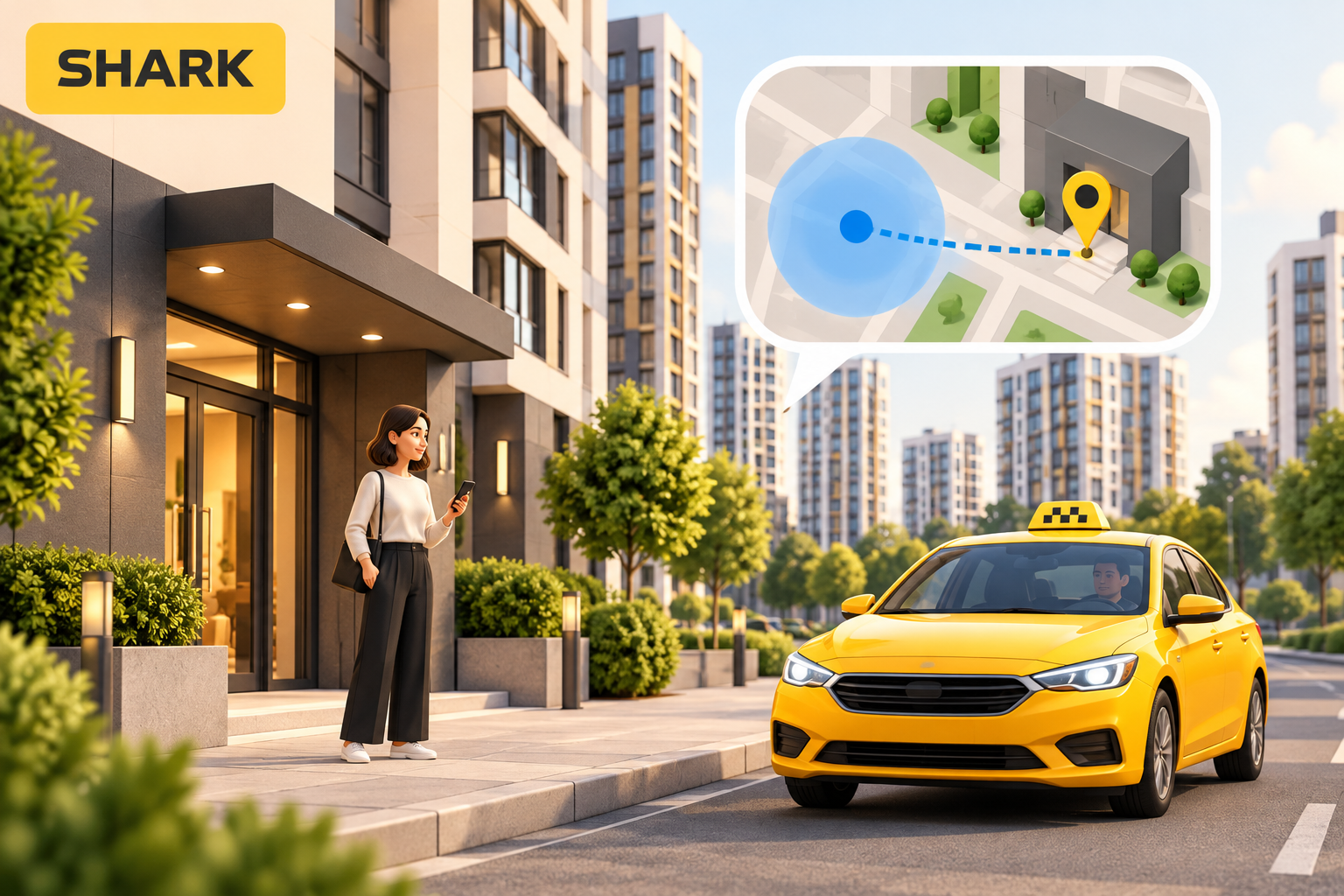
You are waiting outside your entrance, but the map places you behind the building. A driver following the booking details may approach a different courtyard while you watch the main street. When a taxi pickup location looks inaccurate, start by separating your phone’s estimated position from the place where a car can actually meet you.
Google Maps Help explains that tall buildings and being indoors or underground can affect location accuracy. Maps uses sources including GPS, Wi-Fi and mobile networks. This describes Google Maps; it is not a claim about the internal technology used by SHARK.
Treat an automatically detected position as a starting point for checking your address. It cannot replace the street name, building number and intended entrance. Even an accurate phone position might be inside a pedestrian area where a car cannot collect you.
Before confirming the ride, look for the street sign and building number. Establish which side of the building you are on. A long residential complex can have entrances opening onto separate courtyards, while a shopping centre’s vehicle access may be far from the nearest door.
If the booking address does not match where you intend to wait, correct it using the available booking options. Ask the service for clarification if the process is unclear. The important comparison is between the address in the request and your actual meeting place, rather than between two symbols on a screen.
Describe something a person arriving for the first time can recognise from the road. “The street-side entrance beside the building number” is more helpful than “I am outside”. For a gated property, explain whether the meeting point is outside the gate or whether vehicle access through security is needed.
For example, you might leave an office building through its courtyard while the booking directs the car to the main facade. Pick an accessible entrance and agree on it. If you then move to another door, communicate the change instead of assuming the driver will notice.
Check whether the relevant app has location permission in your phone settings. If you were indoors, compare the address again after moving outside while staying on the pavement. The names of settings vary by device and operating system version.
You do not need to spend the whole wait trying to make the map point perfect. A clear address and an agreed entrance matter more for meeting successfully. Explain which doorway you can see, which side of the street you are on and whether the car can reach that spot.
Start your booking from the SHARK taxi in Kyiv page. For broader preparation, read our guide to planning a city taxi ride. Checking the meeting point helps prevent a simple misunderstanding: a passenger and driver waiting for each other on opposite sides of the same building.